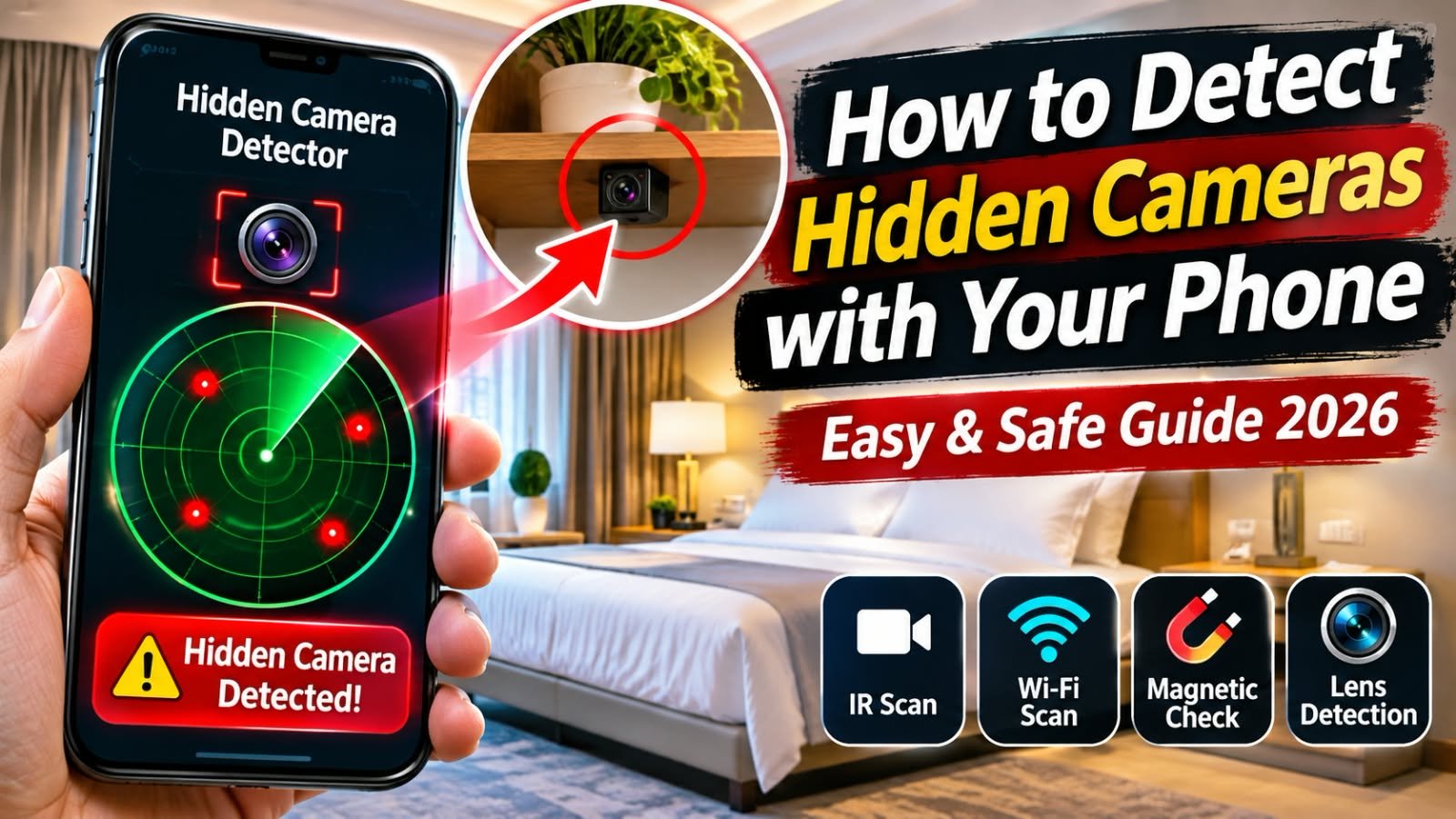
Imagine checking into a hotel, guesthouse, Airbnb, or rental property and noticing a small device pointing toward the bed or bathroom. Hidden cameras can be disguised inside ordinary objects, making them difficult to notice at first glance. Fortunately, your smartphone can help you perform a basic privacy check without buying expensive equipment.
The important thing to remember is that no single phone method can guarantee that a room is camera-free. A better approach is to combine a visual inspection with your phone’s flashlight, camera, and network tools. iTechGuides
Can Your Phone Detect a Hidden Camera?
Yes, but only in certain situations. Your phone can help identify several clues associated with hidden cameras, including:
- Reflections from camera lenses
- Infrared (IR) lights used for night vision
- Unknown devices visible on the same Wi-Fi network
- Suspicious electronic devices or objects
However, a camera that is powered off, recording to a memory card, connected to another network, or completely wired may not be detected by your phone.
How to Detect Hidden Cameras with Your Phone
1. Start With a Visual Inspection
Before opening an app, carefully look around the room.
Pay particular attention to objects facing areas where privacy is expected, such as:
- Bed and sleeping areas
- Bathrooms and showers
- Changing areas
- Desks or seating areas
Look for unusual holes, tiny glass-like lenses, unexplained wires, modified chargers, or electronics that seem out of place. Common objects can sometimes be used to conceal cameras, so unusual placement deserves a closer look.
2. Use Your Phone’s Flashlight to Find Lens Reflections
This is one of the simplest phone-based checks.
Turn off or reduce the room lighting and close curtains if appropriate. Hold your phone’s flashlight close to your eye level and slowly scan suspicious objects.
A genuine camera lens can reflect light and appear as a small, unusually bright point. Move slowly rather than waving the flashlight around quickly.
Important: A reflection does not automatically mean you found a camera. Glass, metal, screws, and other shiny objects can produce similar reflections. Physically inspect anything suspicious before drawing a conclusion. police.ucsb.edu
3. Use Your Phone Camera to Check for Infrared Light
Some cameras use infrared LEDs for night vision. These LEDs are normally invisible to the human eye but can sometimes be detected by a smartphone camera.
To try this method:
- Make the room as dark as safely possible.
- Open your phone’s camera.
- Slowly scan the room through the screen.
- Check suspicious areas for small bright or purple-white points.
- Repeat the scan using different phone cameras if your device has multiple cameras.
Not every phone camera handles infrared the same way, and not every hidden camera uses IR. Therefore, an infrared spot should be treated as a clue rather than proof. SecurityCam Lab
4. Check the Wi-Fi Network
If you’re connected to the property’s Wi-Fi, you can check which devices are visible on the network.
Look for unfamiliar device names or devices that appear to be cameras or other unexpected electronics. Network-scanning tools can sometimes provide useful information about devices connected to the same network.
But there is an important limitation: a Wi-Fi scan cannot find every camera. A camera may use cellular data, another network, a wired connection, or local storage such as an SD card. Hotel networks can also isolate guests from one another. iTechGuides
What About Hidden-Camera Detector Apps?
You can find Android and iPhone apps that claim to detect hidden cameras using Wi-Fi, Bluetooth, magnetic fields, infrared, or other techniques.
Be cautious with apps making claims such as detect every hidden camera. A phone’s magnetometer, for example, measures magnetic-field changes—it is not a dedicated camera detector. Chargers, speakers, motors, wiring, and other electronics can create similar readings.
If you use an app, understand exactly what sensor or network information it is analyzing rather than treating every alert as confirmation.
What Should You Do If You Find a Suspicious Camera?
Don’t immediately dismantle, touch, or destroy the device.
Instead:
- Photograph the device and its location if it is safe.
- Leave the area if you feel threatened.
- Contact hotel management, the property owner, or the booking platform.
- Preserve relevant evidence.
- Contact local law enforcement when appropriate.
For a suspected camera in a bedroom, bathroom, or other private location, your personal safety should come first. police.ucsb.edu
Final Takeaway
Your smartphone can be a useful first-line privacy tool in 2026. A flashlight sweep can reveal lens reflections, the phone camera may reveal infrared illumination, and a Wi-Fi check can identify some network-connected devices.